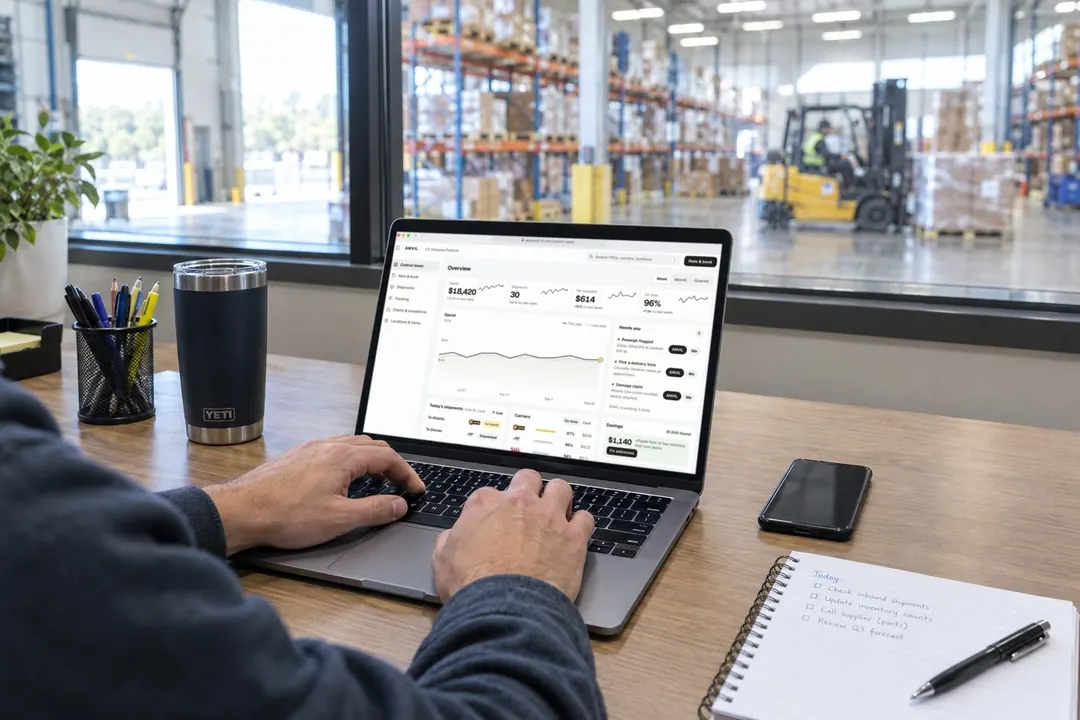
A sample of Anvil's control tower. 1 issue waits on you, and 10 shipments are on the board.
Rated and booked on






The best don’t wait.
The simplest, yet most intelligent portal in LTL. Faster quoting. Easier booking. Every exception managed. 100% control and visibility throughout.

01Easier to ship
No more repeat work.
Tools that fill it in for you. Your products, your docks and your regular lanes, entered once and ready every time after.
Auto fill NMFC code
Start typing a product’s name and pick it. The NMFC item saved on it goes on the bill of lading.
Auto calculate freight class
Enter size and weight. Anvil works out the density and the class on the 2025 NMFC scale.
Save items & locations
Products keep their NMFC, and their class when it is fixed. Docks keep their hours and the services they need.
Repeat shipments, filled in for you
Book any past shipment again. It opens filled in, at today’s rates.
02Faster to book
BOL in hand within 60 seconds.
An example booking, start to finish. Express when you know the freight, Guided when you don’t.
- 1Lane
- 2Freight
- 3Services
- 4Review
- 5Rates
Rate & book
0:00- 1
Where it's going, what it is, and any services, or start from a lane you ship often. Anvil works out the freight class.
- 2
Compare carriers side by side, with all charges listed before you book.
- 3
Print your bill of lading and follow it scan by scan. If something goes wrong, Anvil handles it.
03Every exception, handled
Exceptions & rebills handled for you.
A reweigh, a missed pickup, damage at delivery: it lands with the carrier’s proof attached. Anvil takes it from there. Nothing added after booking reaches your card until a person at Anvil has checked it.
Interactive demo
Reweigh
Action requiredBilled extra$171.00Not charged yet.
- A scale ticket for this shipment, or a photo of the freight on a scale
scale-ticket.pdfNot sent
Tap to try
04Full control and visibility
Everything you’ll need, at your fingertips.
- Live tracking, every carrier update
- Bills of lading and labels
- Delivery receipts
- Invoices, line by line
- Spend and on-time by carrier
- Claims and their history
- Picked up
- St. Louis, MOMon 9:14 AM
- Deliver by
- Atlanta, GAWed 4:00 PM
- Live tracking
- Arrived at terminalMon 11:25 PM
Nashville, TN
- Departed terminalMon 5:40 PM
St. Louis, MO
- Picked upMon 9:14 AM
2 pallets, 1,300 lb.
The LTL Guide.
All guides → Pricing
How much does it cost to ship a pallet?
See the pricesDensity scaleNew in 2025DenserFreight classLighterFreight classFreight class after the NMFC changes
Find your class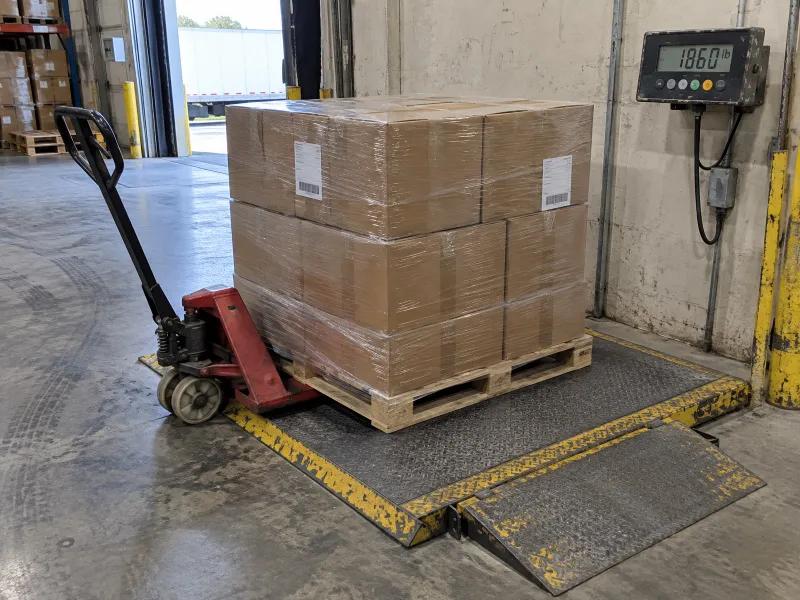 Reweighs
Why your freight bill is higher than your quote
Find the cause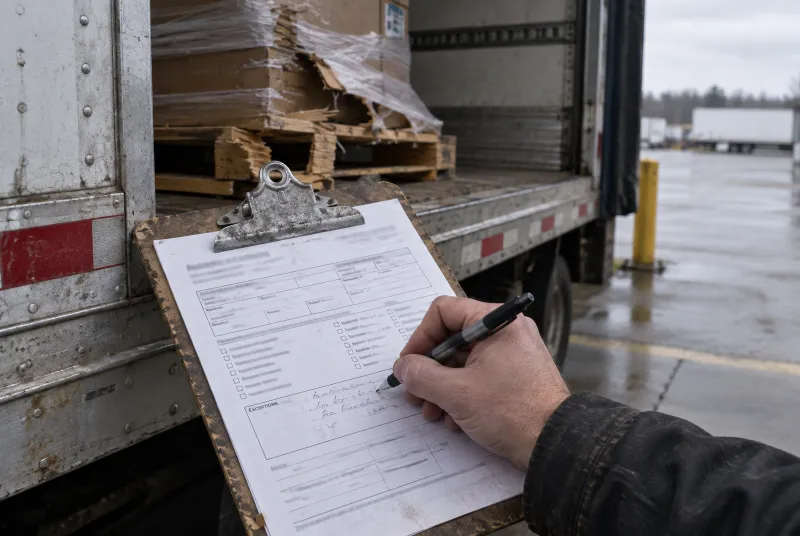 Claims
How to file an LTL freight damage claim
Get the checklist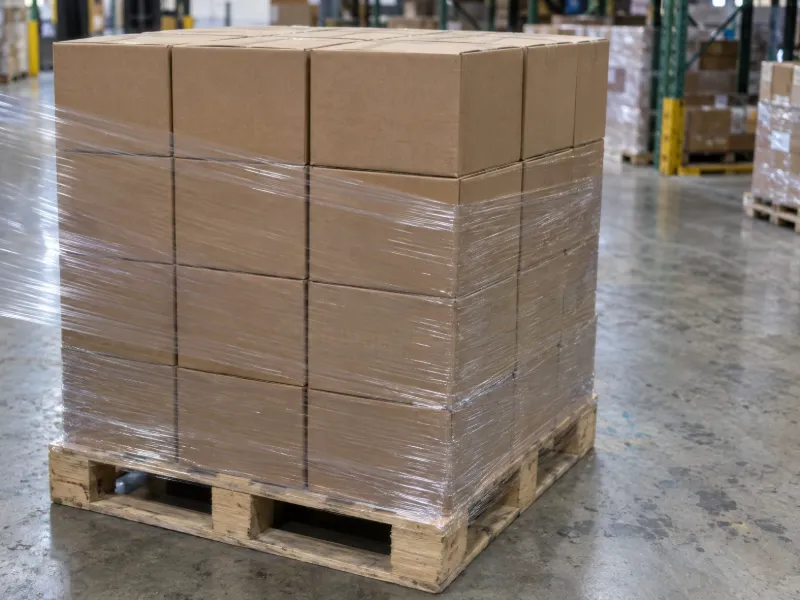 Packaging
How to palletize freight so it arrives intact
Pack it rightRequest access
Your freight. Your call.
One price, all in. No contract, no volume minimum. Anvil holds the total on your card when you book and charges it after delivery.